Claude Desktop
Open the file with Claude Desktop, then start a new chat.
Claude Desktop setup ↗Agent First Generative Design
Start from text, a sketch, or a CAD design, then let your agent work through the loads and constraints and run a generative design on your own computer.
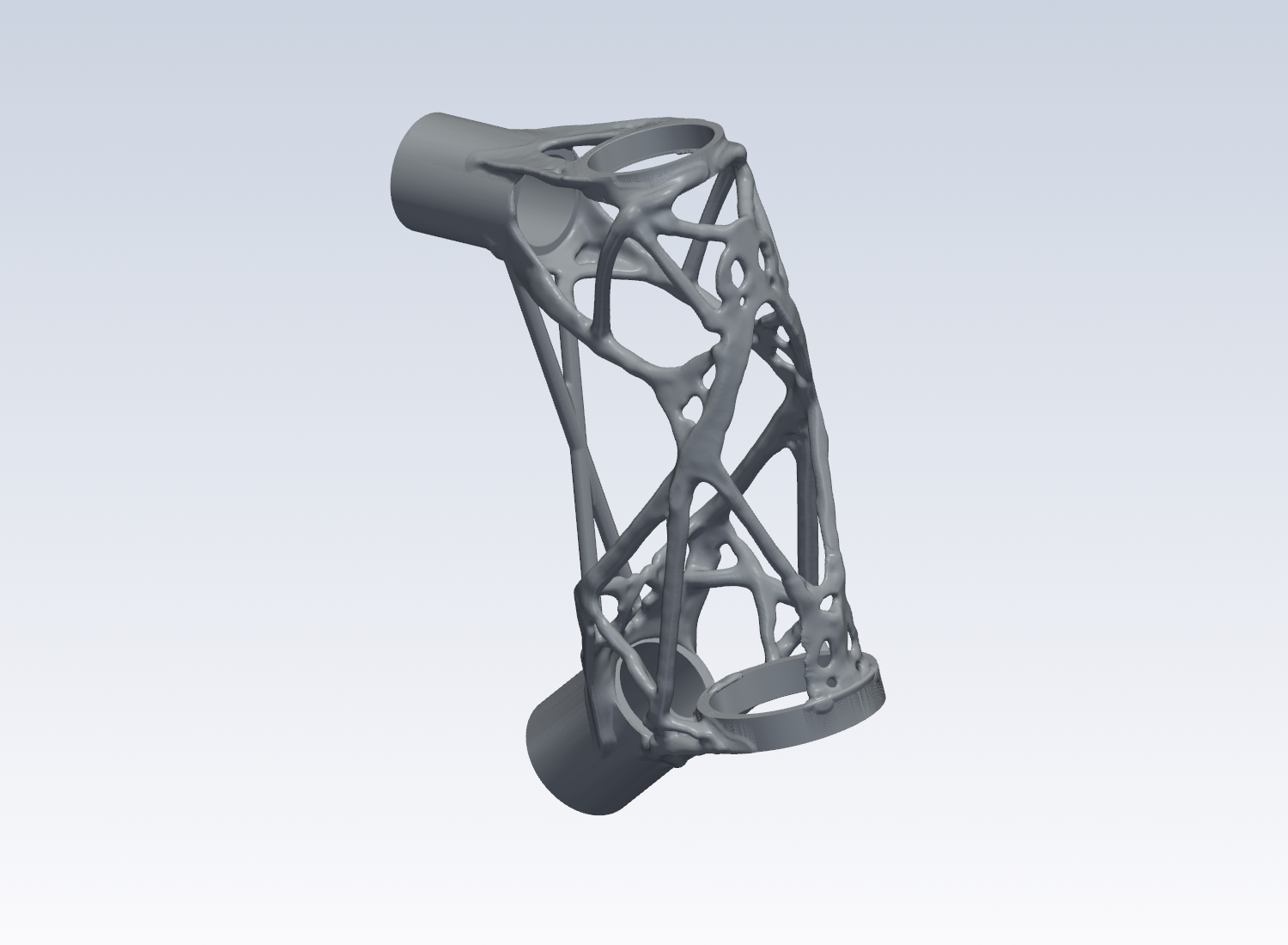
Get started
macOS on Apple silicon · Linux x86_64
Open the file with Claude Desktop, then start a new chat.
Claude Desktop setup ↗git clone https://github.com/chartergroup/topopt
cd topopt
sh scripts/topopt-env.sh syncStart Codex in the checkout and trust the project. Ask it to use the start-here skill.
git clone https://github.com/chartergroup/topopt
cd topopt
sh scripts/topopt-env.sh syncAdd topopt to ~/.cursor/mcp.json with the full path of the checkout. Ask it to use the start-here skill.
Connect topopt through MCP using the instructions for your client.
All client instructions ↗Workflow
Describe the part, how it attaches, and what it needs to carry.
“I’m building a carbon and steel all-road bike with 3D-printed lugs. It would be dope if the headtube lug were topology optimized.”
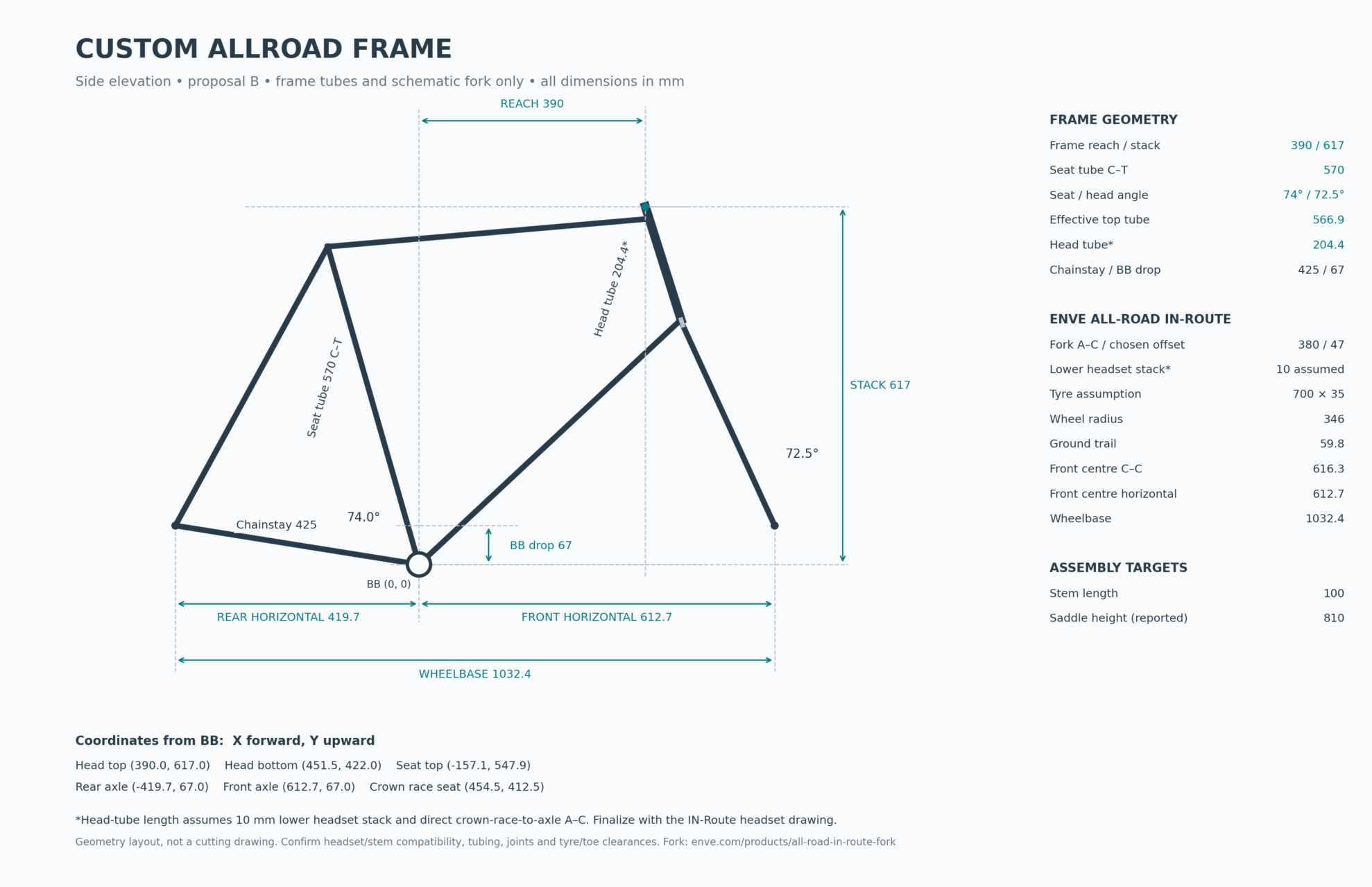
Share a sketch, a description, or existing geometry. Define the loads, interfaces, keep-outs, and material.
Review the time and memory estimates, choose a mesh, and start the optimization.
Follow along with the design, inspect the results, and get a print-ready STL file.
Example Project: Bicycle Headtube
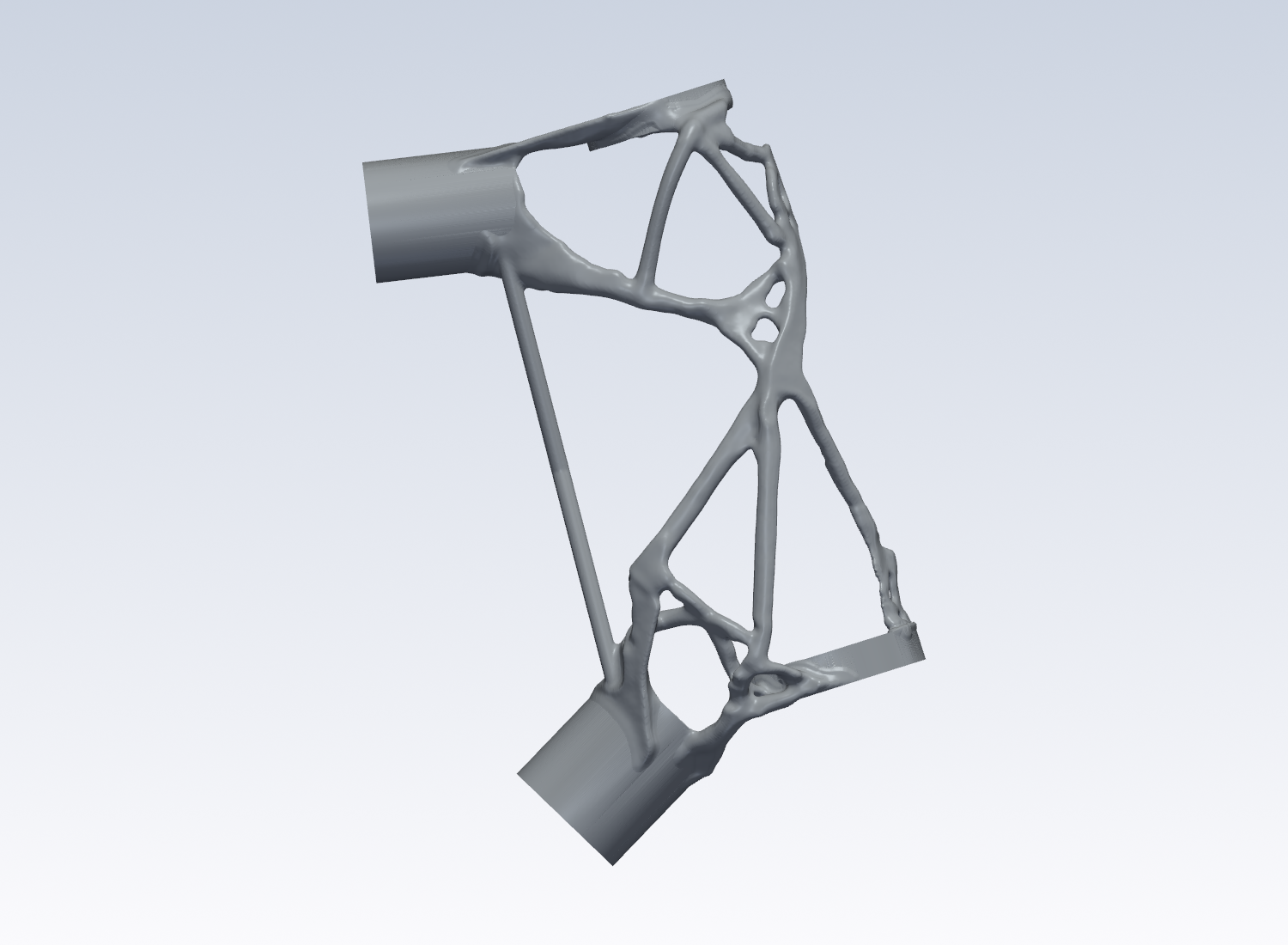
We wanted to build a custom bicycle with topology-optimized lugs and carbon tubes. Here’s how we built the headtube.
Our repo allowed us to define the loads and keep-outs, preserve the headset and tube interfaces, and optimize the headtube’s weight on a laptop.
We inspected the resulting geometry and prepared the manufacturing files for the steel headtube.
Examples
The repo comes with several simple, reproducible samples so you can try generative design for yourself.
The optimized hook uses 69% less mass than the starting design.
Browse sample files on GitHub ↗A few practical things
You can begin with a description and work with your agent to create the setup. Review the dimensions, loads, supports, and assumptions before running it. Existing STL regions and YAML inputs are another route.
The numerical optimization and browser dashboard run on your computer. The AI agent is separate and may send prompts or tool results to its model provider.
The workflow accepts material properties and exports STL geometry. Select the properties and allowables for your material and process, then inspect walls, supports, powder access, interfaces, and finishing requirements with your manufacturing provider.
You receive a smooth STL, run metrics, and printability findings. Optional tools check the finished mesh’s stress and other constraints. Manufacturing readiness depends on the checks completed for the particular part.